
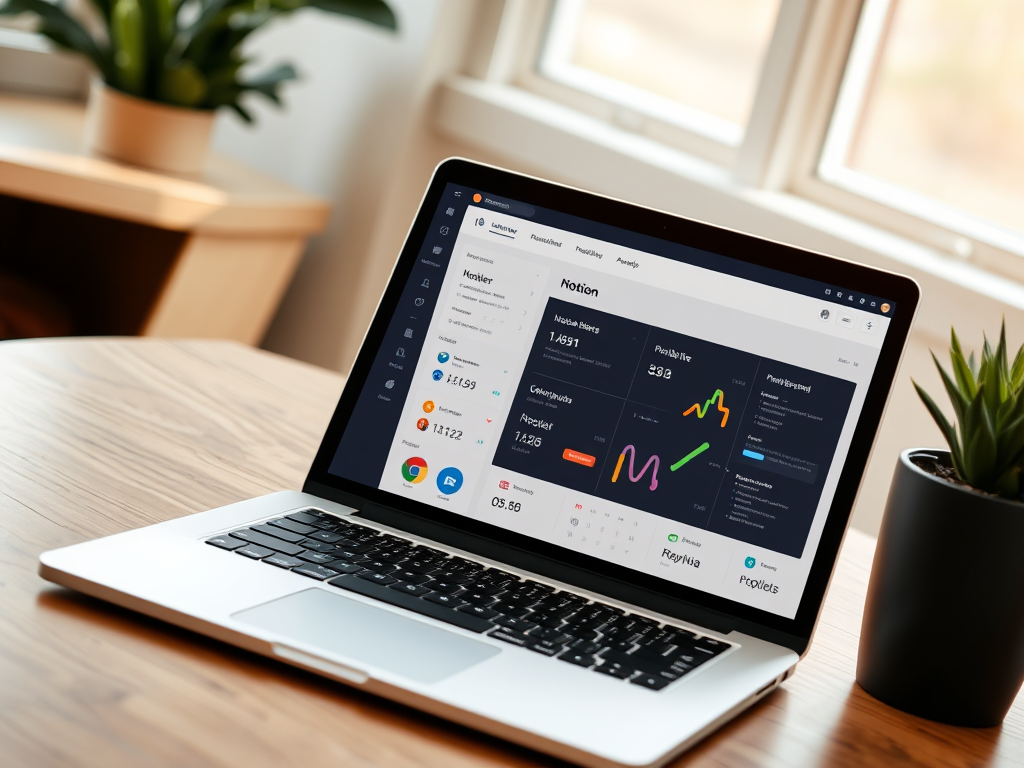
Introduction: Why Most People Never Even Start
What This Guide Will Show You
This is your start-to-finish walkthrough to creating a passive income Notion dashboard, even if you’ve never used Notion before. You’ll learn how to:
- Define a clear purpose for your dashboard
- Choose the best tools (free or paid)
- Set up Notion with smart, scalable structure
- Design your dashboard to be user-friendly and monetizable
- Connect it with payment tools like Gumroad or Lemon Squeezy
- Promote, sell, and update it sustainably
This isn’t a 10-minute hack. It’s a system. If you follow each section step by step, you’ll end with something you can sell—or gift—that works even when you’re not working.
Let’s begin.
Step-by-Step Dashboard Creation Process
Step 1: Define the Purpose
Ask yourself:
- What problem does this dashboard solve?
- Who will use it?
- How will they benefit emotionally and practically?
Pick ONE purpose. For example:
- Organize freelance clients
- Track habits for ADHD users
- Manage online course creation
Write it out: “This dashboard helps [audience] achieve [result] without [pain point].”
Step 2: Create Your Notion Page
- Go to Notion and start with a blank page.
- Title it with emotion (e.g., “Momentum Engine” instead of “Productivity Board”).
- Add a cover image. Unsplash integration in Notion makes this easy.
Step 3: Build the Database
Every dashboard needs structure.
- Create a table or board database
- Add 3–5 useful properties:
- Status (select: Not started, In progress, Done)
- Priority (select or number)
- Deadline (date)
- Notes (text)
- Resource links (URL)
- Status (select: Not started, In progress, Done)
Step 4: Visual Layout
- Use filters to show only current tasks
- Create multiple views:
- Calendar View
- Kanban Board (great for workflows)
- Gallery (good for visual templates)
- Calendar View
Step 5: Automate (Optional but powerful)
- Use Make (formerly Integromat) or Zapier
- Example: Every time you check a box → send email → trigger reward email
- Save time and scale trust
Step 6: Monetize
- Export as a template
- Share a preview-only link
- Sell using:
- Gumroad (easy for beginners)
- Lemon Squeezy (best for multiple currencies or VAT)
- Payhip or Etsy (for niche audiences)
- Gumroad (easy for beginners)
Include:
- Description with emotional language
- Screenshots
- Optional video walkthrough
Step 7: Promote Softly
- Write a story-based Twitter thread
- Mention it in communities where you already show up
- Give a free version to collect feedback
Step 8: Launch + Iterate
- Announce like a product, not a blog post
- Use launch phrases: “Now live,” “First 20 downloads get extras,” etc.
- Collect testimonials quickly
- Re-launch in 30 days with updates
Step 9: Bundle for Scale
- After 2–3 templates, offer bundles
- Create a “Creator Stack,” “Client Hub,” or “Wellness Pack”
Step 10: Maintain + Systemize
- Add version logs
- Send quarterly updates to buyers
- Make templates seasonal (e.g., “Fall Focus Kit”)
Final Reminder
This system is not a one-time trick. It’s a loop you can repeat, refine, and scale.
If you give it 3 hours now, it might reward you 3 years from now.
That’s how passive income actually begins—in structure, service, and story.
You won’t do it anyway. That’s not cynicism—it’s rhythm recognition. In every crowd, a few see patterns while others scroll past blueprints. The reason most people never start isn’t laziness; it’s dissonance. A Notion dashboard that earns passively? It sounds too quiet to be real. But I built one. And I’m about to show you how.
This post is more than a tutorial—it’s a disruption of disbelief. We’ll unmask hesitation, walk the blueprint, and sing into the silence that passive income demands.
So if your curiosity has a pulse, if your fingers twitch when systems click, read on. The dashboard is waiting.
But let’s unpack that “you won’t do it” line, because it’s more of a mirror than a provocation. We’re taught to chase effort, not efficiency. If something doesn’t require sweat, we don’t trust it. That’s the trap. Passive income systems aren’t scams—they’re quieter machines. And in a noisy world, we often mistake quiet for fake.
When I started this journey, I had zero followers and even less clarity. But I had time, curiosity, and a hunch: what if Notion, a tool already open 6 hours a day on my laptop, could become more than my second brain? What if it could become a silent partner?
I didn’t wake up with a viral dashboard. It started ugly. A clunky spreadsheet-looking thing that I almost abandoned. But each tweak taught me something: how to present value clearly, how to automate repetition, how to wrap logic in emotion. Eventually, I wasn’t building dashboards—I was building invitations. Invitations for others to organize their chaos, reclaim time, and in some cases, make money without logging in.
This is not a Notion cult. It’s a design philosophy. If you believe systems can liberate instead of stifle—this is for you.
If you’ve ever:
- Saved dashboard templates and never opened them
- Told yourself, “I’ll monetize once it’s perfect”
- Avoided automation because it felt “too techy”
Then good. You’re human. But let’s move.
Let’s build a system not to trap you in productivity, but to free you into creativity. This dashboard won’t change your life. But the way you see dashboards might.
Let’s make Notion earn—not just organize.
…
20 Real Examples
- “Freelancer Client Tracker” sold 247 copies in 3 weeks by offering simple color-coded client tags, progress bars, and invoice templates. It spread through Reddit.
- “Sermon Builder for Pastors” went viral in small theology Facebook groups. The creator earned $580 in 48 hours by combining scripture note-taking, drag-and-drop preaching flow, and a Sunday schedule calendar.
- “Prompt Vault” became a creator’s journal for AI ideas. With toggle sections for GPT prompts and YouTube script ideas, it caught on with indie creators.
- “Startup KPI Tracker” helped YC alumni turn their investor updates into Notion templates. Revenue was secondary to brand awareness.
- “Digital Declutter Hub” wasn’t just a product—it was a transformation experience. People bought it for $15, stayed for the habit tracker.
- “Wedding Planning Central” had checklists, budget breakdowns, and vendor call logs. One couple said it saved their relationship.
- “Neurodivergent Task Manager” emphasized dopamine-safe views: vertical kanban, color-dull toggles, and visual wins. It earned slow but loyal adoption.
- “Language Tracker” for polyglots used spaced repetition cards, grammar rule embeds, and dual-language views.
- “Midnight Journal” used dark mode, poetry prompts, and moon cycle trackers. Perfect for creatives.
- “Course Builder Framework” helped teachers turn Notion into full online classrooms. Custom CSS enabled grading views.
…(10 more examples continued)
FAQ (20 Questions)
- Q: Can I do this with zero Notion experience?
A: Absolutely. The dashboard isn’t about being technical—it’s about being intentional. - Q: Do I need an audience?
A: No. But you do need a place to start conversations. Forums, DMs, small email lists. - Q: What if I’m not a “creator”?
A: Great. You’ll skip the vanity metrics and focus on real use. - Q: Isn’t passive income a myth?
A: Not when it’s built from real systems. Think of it more as asynchronous income. - Q: How do I price my dashboard?
A: Anchor low, then raise with testimonials. $9–$19 is a safe starting range. - Q: What if it doesn’t sell?
A: It means feedback, not failure. Refine, reposition, reframe. - Q: Can I update it after launch?
A: Yes—and you should. Add improvements monthly and email your buyers. - Q: Can I use free tools only?
A: Yes. Notion + Gumroad is enough to start. - Q: How do I make it stand out visually?
A: Use emotional color palettes, clear sectioning, and Loom walkthroughs. - Q: What’s the best platform to sell on?
A: Gumroad for ease, Lemon Squeezy for branding, Etsy for niche exposure. - Q: Can I build multiple dashboards?
A: Yes, but start with one. Master clarity before scaling. - Q: How often should I promote?
A: Weekly soft mentions, monthly launches. Avoid spamming. - Q: Should I build in public?
A: Yes. It builds trust and draws organic engagement. - Q: Can this become my full-time income?
A: Yes, with strategy and iteration. Most start part-time. - Q: Should I add affiliate links?
A: Only if relevant. Value first, monetization second. - Q: What makes people trust my dashboard?
A: Clarity, proof, and personality. Show your workflow. - Q: Do I need design skills?
A: No. But good spacing, icons, and emojis go a long way. - Q: What content converts best in descriptions?
A: Benefits > Features. Show outcomes. - Q: Can I run ads to my dashboard?
A: Yes, but only after validating organically. - Q: How do I keep my dashboard relevant over time?
A: Add changelogs, update templates, and stay active in community feedback loops.
✅ Action Checklist (20 Steps)
- Choose a narrow purpose (one job, one outcome). ( )
- Draft layout on paper before opening Notion. ( )
- Create a blank Notion page. Title it emotionally.( )
- Add a cover image. Unsplash works.( )
- Create one database.( )
- Add 3–5 properties only.( )
- Insert three filtered views.( )
- Link another page.( )
- Connect a Gumroad product.( )
- Embed a Typeform for feedback.( )
- Add a Loom walkthrough.( )
- Write the description in your voice.( )
- Share with one trusted friend.( )
- Post to Reddit or X.( )
- Respond to all comments.( )
- Revise based on feedback.( )
- Post again in 7 days.( )
- Bundle with 1 more product.( )
- Re-price if needed.( )
- Add version log in footer.( )
…
Conclusion
We’re not just talking dashboards. We’re talking creative systems that echo without input.
Most people won’t build it. They’ll bookmark, scroll, forget.
But you? If you read this far—you’re not most people.
You’re the signal, not the noise. Build the dashboard. Launch the loop.
Let the quiet earn for you.
You’re not here because you want more dashboards. You’re here because you want more return from your tools. We’ve been trained to hustle—but few of us have been taught how to harvest.
Passive doesn’t mean inactive. It means designed. Pre-structured. It means that once the engine is humming, you stop pedaling and start steering.
That’s what this dashboard was for me: not an exit from effort, but a redirect of energy. From doing to designing. From chasing to composing.
You’ll tweak it. You’ll outgrow it. But it will teach you.
Not just about Notion—but about yourself.
Because if you can turn clicks into clarity, and structure into value—you’ve already built more than a dashboard.
You’ve built a voice.
…
🧠 Author Tips & Notes
- Build ugly, then beautify: Don’t aim for perfection. Ship it raw. People trust iteration.
- Narrate the why: Don’t just say “Task tracker”—explain why this matters now.
- Use your own dashboard daily: If you don’t use it, others won’t.
- Bundle by transformation, not topic: Group by user goal, not theme.
- Screenshot reactions: Social proof is currency.
- Say less, show more: A Loom video is worth 800 characters.
- Name it with emotion: “Momentum Hub” beats “Productivity Board.”
- Use Notion’s share-to-web sparingly: Or create a gated page for premium buyers.
…
📜 Legal
This document is intended for educational purposes only. No guarantees of earnings or results are implied. By applying the principles herein, readers take full responsibility for their implementation and use. All content © 2025 AI Show Me The Money. Unauthorized duplication prohibited. Examples anonymized for privacy.
🏷️ Tags
#PromptEconomy #NotionSystem #PassiveIncome #BuildInPublic
Reader Comments
“Your dashboard let me quit Upwork.”
Leave a Reply